


 Wenjoy Editorial
19 Nov 2026
Farmhouse
How to Read a Wenjoy Listing Page: Prices, Capacity
The short answer — a Wenjoy listing page answers six questions in order: what is it (header), what does it hold (Property Details), what does it cost (Price Details), what is it like (Description and Amenities), what are the rules (policy block), and what did guests think (reviews block); the two expensive misreads are the "starting from" price and the two guest numbers
A Wenjoy listing page is six blocks in a fixed order: the header (what it is), Property Details (what it holds), Price Details (what it costs), Description and Amenities (what it is like), the policy block (the rules) and the reviews block (what guests thought). Read them in order. The two misreads that cost money are the "Starting from" price — the weekday tier, not your dates — and the two different guest numbers.
This walkthrough uses one genuine page, read in full: Countryside View With Pool Slides in Muwailha, Ras Al Khaimah, with field labels and figures as displayed on 21 October 2026; live prices depend on your dates. A second listing, Peaceful Garden With Pool Retreat, appears where a field behaves differently — because the most important reading skill is knowing what a missing field means.
| Block | Question it answers | Costly misread to avoid |
|---|---|---|
| Header | What is it? | Treating "Starting from" as your price |
| Property Details | What does it hold? | Planning a night from Guest Capacity instead of Sleep Over Guest |
| Price Details | What does it cost? | Missing the deposit line — or a missing tier |
| Description / Amenities | What is it like? | Assuming an unlisted item is included |
| Policy block | What are the rules? | Missing the cancellation line at its foot |
| Reviews block | What did guests think? | Reading the average without the count and spread |
The header — name, emirate, score, Ref number, and why "Starting from" is the weekday floor, not your dates
The header of the worked example reads: "Farmhouse, Ras Al Khaimah, 5.0 (216), Ref: FA419, 4 Beds, 5 Baths, Starting from AED 1,950.00 / night". Unpack it left to right. Category and emirate give the format and market; the score and count are the review summary, a subject of their own. The Ref, FA419, is the listing's identity — quote it in any enquiry. "4 Beds, 5 Baths" is shorthand; Property Details lists Bedrooms 4, Beds 9, Bathrooms 5 — the two do not count the same way, so decide on the block, not the shorthand.
A "Verified" badge is displayed beside the listing's name; this guide describes only what the page displays. Finally, "Starting from": AED 1,950 is the lowest of the three tiers — the weekday price, not a quote for your dates.
Property Details — "Guest Capacity" vs "Sleep Over Guest": the day number and the night number
Property Details answers "what does it hold": Bedrooms, Beds, Bathrooms — and then the pair that causes the expensive mistakes. "Guest Capacity" is the number of guests the property holds; "Sleep Over Guest" is the number who can sleep there. On the worked example the two agree: Guest Capacity 30, Sleep Over Guest 30. Treat that agreement as a fact about this farm, not a rule of the site.
On the contrast listing they diverge sharply: Peaceful Garden With Pool Retreat shows Guest Capacity 40 and Sleep Over Guest 16 — a farm that can host forty across a day and sleep sixteen at night. Plan a day gathering from the first number and an overnight stay from the second: a group of thirty booking on a capacity of 40 and a sleep-over of 16 has booked a party, not a night's sleep for thirty. Wenjoy's guide to how to check property capacity works the question in full; the field lesson is to find both numbers, every time.
Price Details — three tiers side by side, the "Security Deposit" line, and what a blank field means
Price Details puts the three tiers side by side on the worked example: Weekday Price AED 1,950 / night, Weekend Price AED 2,600 / night, Holiday Price AED 3,900 / night. Your dates pick the tier; the header's "Starting from" merely repeats the first. Below the tiers sits the "Security Deposit" line: AED 1,000, with the page's own wording beside it — "Payable at check-in · Fully refundable". Where the deposit lives, when it is paid and on what basis it is refundable are all in that one line; Wenjoy's security deposit policy carries the platform-level detail.
Do the arithmetic the page leaves to you. On the worked example a weekday night is AED 1,950 for a house that sleeps 30 — AED 65 per person at full occupancy, before you split it your own way — and the cash picture at check-in includes the AED 1,000 refundable deposit on top of the balance due, because the deposit line says payable at check-in. On Peaceful Garden the division runs the other way: its weekday AED 2,600 across a sleep-over of 16 is about AED 163 per person, even though its day capacity is 40. Price per sleeping guest, not headline price, is the figure that lets two listings be compared honestly.
Now the blanks, which are fields too. Peaceful Garden's Price Details, re-read live on 21 October 2026, show the weekday and weekend tiers and the same AED 1,000 deposit line — and no holiday tier. That is information, not an error: no holiday price is displayed, so a holiday stay cannot be priced from the page alone. At audit (21 October 2026), 9 of the 44 listings showed no holiday tier and 5 showed no deposit line at all. The rule for every blank is the same: blank means ask, never assume. A missing deposit line does not mean no deposit, and a missing holiday tier does not mean the weekday price applies — the figure must be confirmed before you book.
Description, Amenities and Feature & Facility — two lists that do different jobs
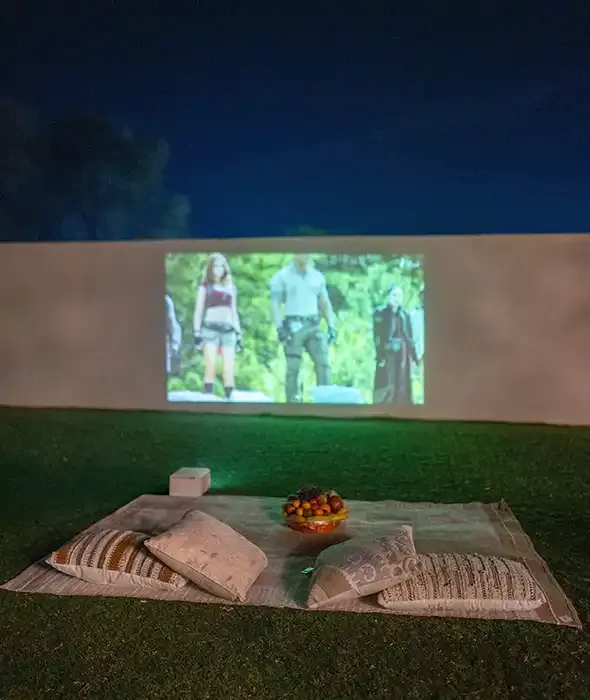
Below Price Details, the worked example gives you a Description, an "Amenities" list — Parking, Swimming pool, Air conditioning, Backup Electricity, Game Room, Living Room, Outdoor Cinema — and a separate "Feature & Facility" block of chips: Wi-Fi Yes, Air Conditioning Yes, TV Yes, Essentials Yes, Kitchen Yes, Maid's Room Yes. They are not one list said twice. Amenities are the headline facilities; the chips are a structured yes/no inventory. They overlap — air conditioning appears in both — without matching: Outdoor Cinema is in Amenities only, Maid's Room in the chips only.
Read both, and treat the union as the offer. The page's own FAQ states the rule: if an item isn't listed in the Amenities section, assume it isn't included and contact Wenjoy before booking. If it isn't written, it isn't included.
The policy block and the page's own FAQs — times, numbered rules, and the cancellation line hiding in plain sight
The "Check-In / Check-Out Policy" block gives check-in 3:00 PM and check-out 12:00 PM, then eight numbered rules, including: parents are responsible for their children; smoking is strictly prohibited indoors; pets are not permitted; fireworks are not allowed; and the owner may deduct from the security deposit for breaches. These rules are per-listing, so read this block on the page you are actually booking.
At the foot of the same block sits the line guests most often miss: "This property has a non-refundable policy." The cancellation term lives inside the policy block, not in Price Details — find it on every listing before you pay. The page's own FAQs then cover whole-property privacy and the exact address being shared after payment. For whether to book at all, Wenjoy's verify-listing-before-booking checklist is the companion read; anything unclear can be settled before payment via contact Wenjoy, quoting the Ref.
The reviews block — the score, the count, the distribution and the written-reviews note
The last block is "Customer Reviews & Ratings": on the worked example, 5 / 5.0 based on 216 reviews, the star distribution beneath, and the page's own note that written reviews from on-platform bookings will appear there. Reading that block properly is a skill of its own; the field lesson here is simply to know where it sits and that its three numbers are three different things. Open any Wenjoy listing and read it top to bottom — six questions, six blocks, no surprises at check-in.
Frequently Asked Questions
What does "starting from" mean on a Wenjoy listing? It is the lowest of the listing's three price tiers — the weekday price. On the worked example, "Starting from AED 1,950.00 / night" repeats the Weekday Price shown in Price Details; the same listing displays AED 2,600 at the weekend and AED 3,900 on holidays, as displayed on 21 October 2026. Your dates determine which tier applies, so always price your stay from Price Details, not the header.
What is the difference between Guest Capacity and Sleep Over Guest? "Guest Capacity" is how many guests the property holds; "Sleep Over Guest" is how many can sleep there. They match on some listings — 30 and 30 on the worked example — and differ sharply on others: Peaceful Garden With Pool Retreat displays Guest Capacity 40 and Sleep Over Guest 16. Use the first number for a day gathering and the second for an overnight stay.
Where does a listing show the security deposit? In Price Details, under the price tiers, as a "Security Deposit" line. On the worked example it reads AED 1,000 with the wording "Payable at check-in · Fully refundable". At audit (21 October 2026), 5 of the 44 listings showed no deposit line at all — a blank means the figure is not displayed and must be confirmed, never that no deposit applies.
Why are there two different amenity lists on the page? Because they do different jobs. The "Amenities" list names the property's headline facilities; the "Feature & Facility" chips are a structured yes/no inventory (on the worked example: Wi-Fi, Air Conditioning, TV, Essentials, Kitchen and Maid's Room, all Yes). They overlap without matching, so read both — and follow the page's own FAQ rule: if an item isn't listed, assume it isn't included and ask before booking.
Where do I find a listing's cancellation policy? Inside the Check-In / Check-Out Policy block, at the foot of the numbered house rules. On the worked example the line reads: "This property has a non-refundable policy." It is not in Price Details, so read the policy block on every listing before paying — cancellation terms are set per listing and can differ between farms with identical prices.
What does the Verified badge on a listing mean I can see? What you can see is the badge itself, displayed beside the listing's name, alongside its Ref number, category, emirate and details. This guide describes only what the page displays; what the badge certifies beyond its display is not stated on the page, so if the badge's meaning matters to your decision, confirm it with Wenjoy before booking.
Farmhouses you can book now
Verified private stays on Wenjoy — live prices, book online or send an inquiry.

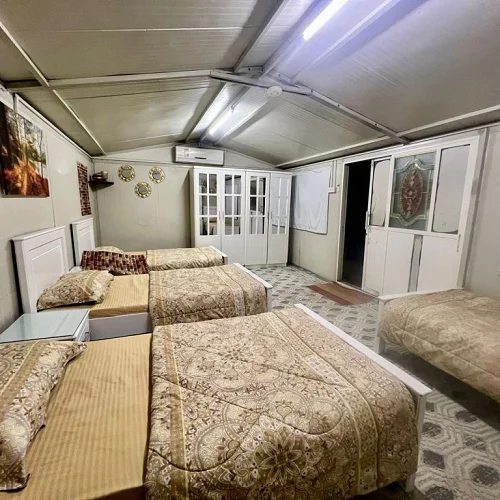

Private Room | Swimming Pool & Farmhouse Experience in RAK
Wadi Shah, Ras Al Khaimah, UAE

1Bedroom

4Bed

1Bath
Private Room | Swimming Pool & Farmhouse Experience in RAK
1 Bedroom
4 Beds
1 Bath
4 Guests
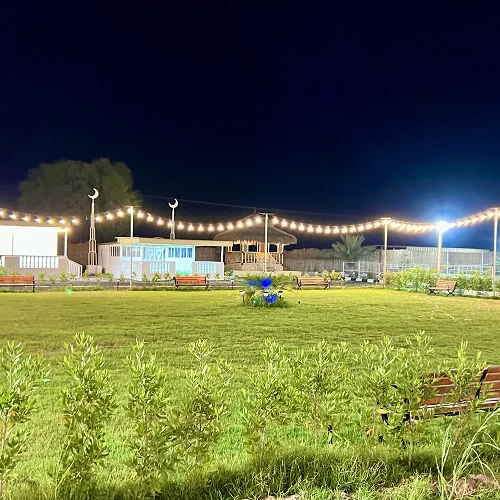
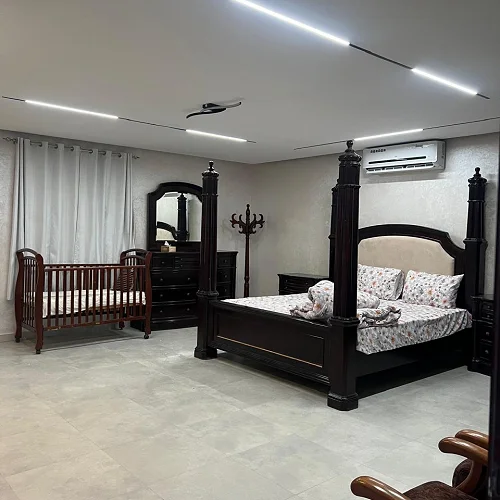
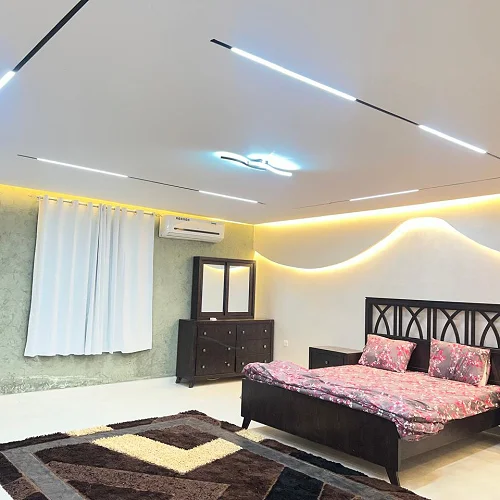
Spacious Farm Stay – Large Living Rooms & Games Ground
Muwailha, Ras Al Khaimah, UAE
3Bedroom
7Bed
3Bath
Spacious Farm Stay – Large Living Rooms & Games Ground
3 Bedrooms
7 Beds
3 Baths
25 Guests


Exclusive Bamboo Villa & Private Pool in RAK
Wadi Shah, Ras Al Khaimah, UAE
4Bedroom
6Bed
5Bath
Exclusive Bamboo Villa & Private Pool in RAK
4 Bedrooms
6 Beds
5 Baths
50 Guests


Ultimate Family Adventure Farm
Hatta, Dubai, UAE
5Bedroom
9Bed
5Bath
Ultimate Family Adventure Farm
5 Bedrooms
9 Beds
5 Baths
25 Guests


Search
Recent Posts
Top Farmhouse Stays
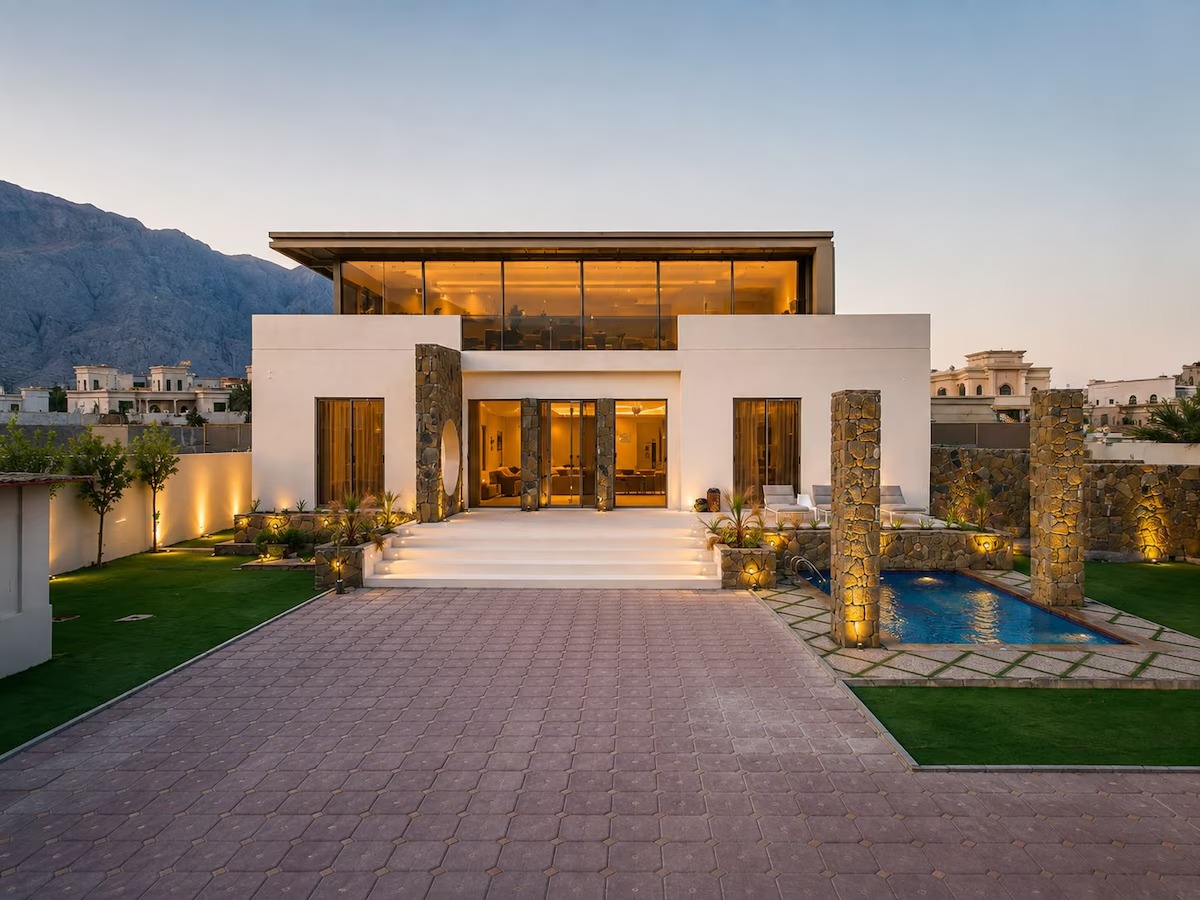
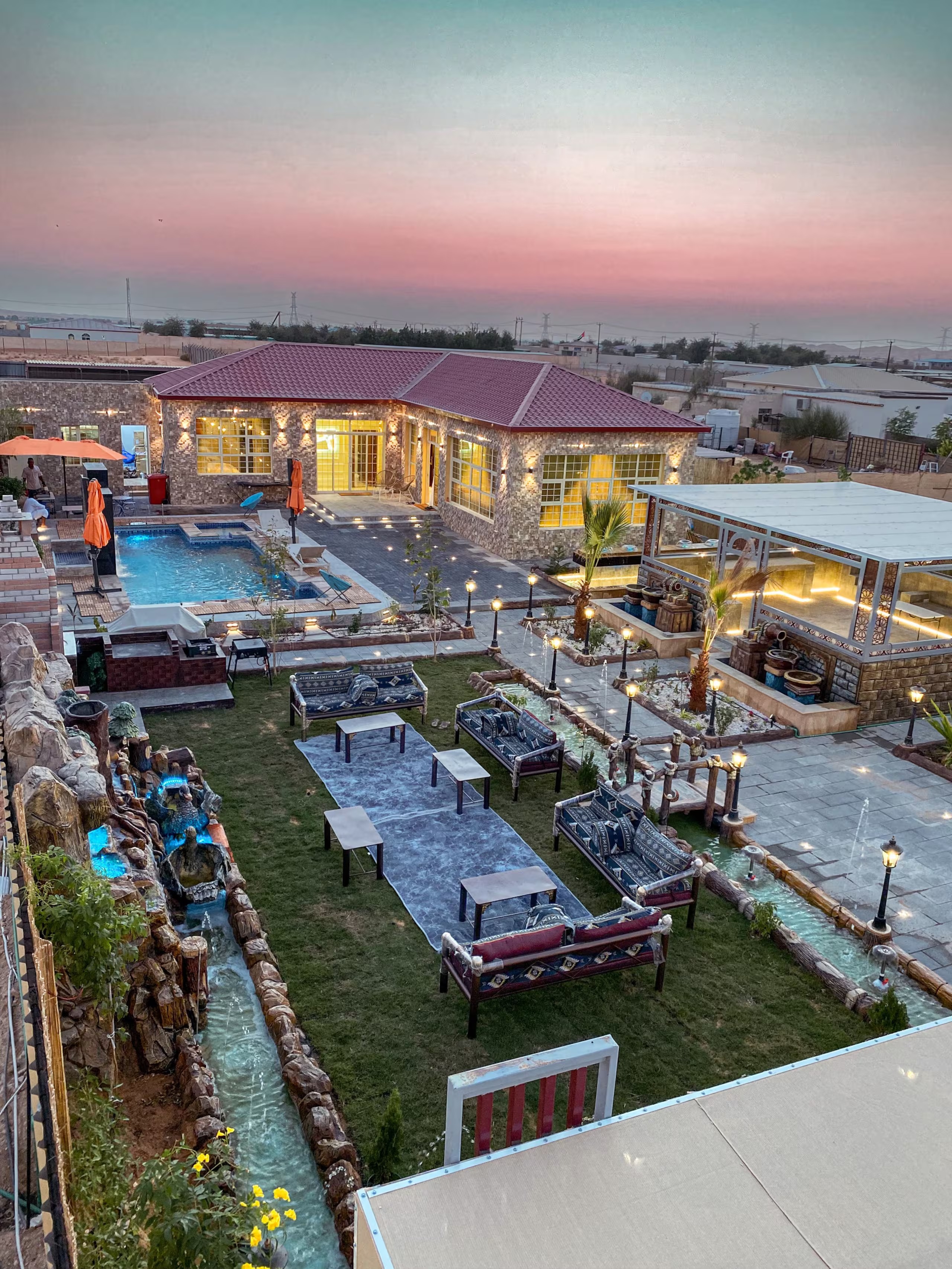
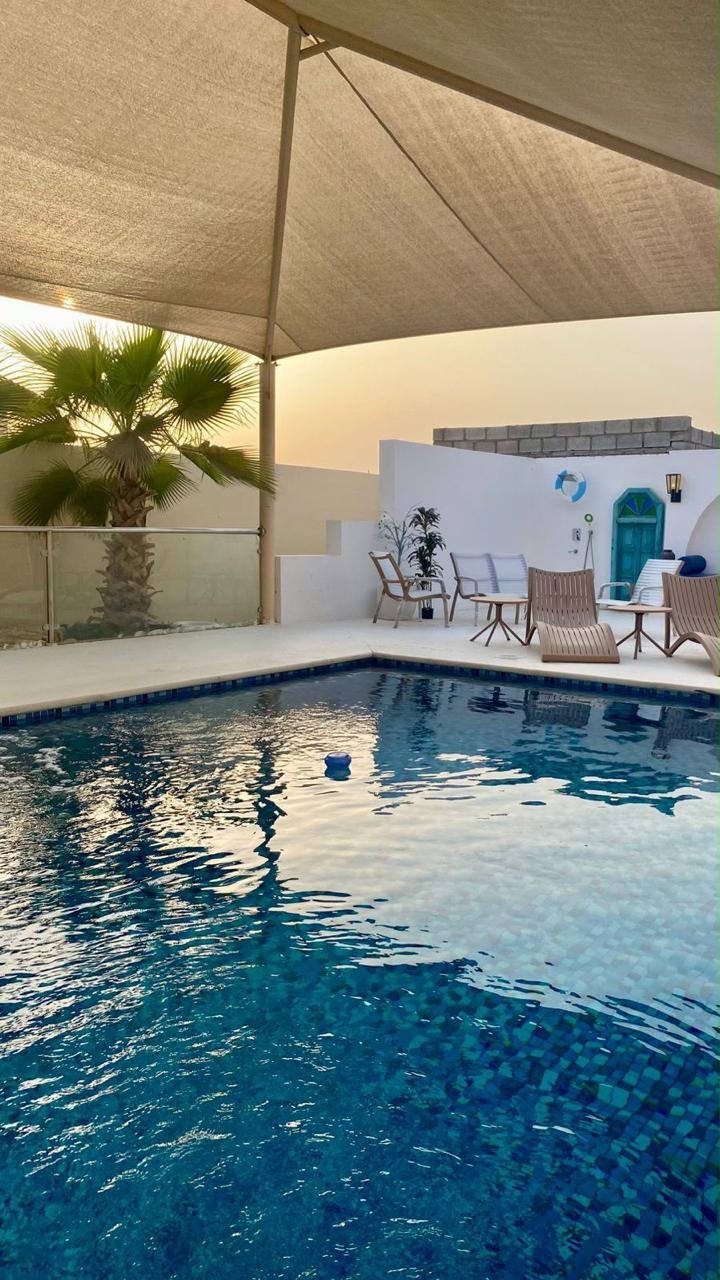


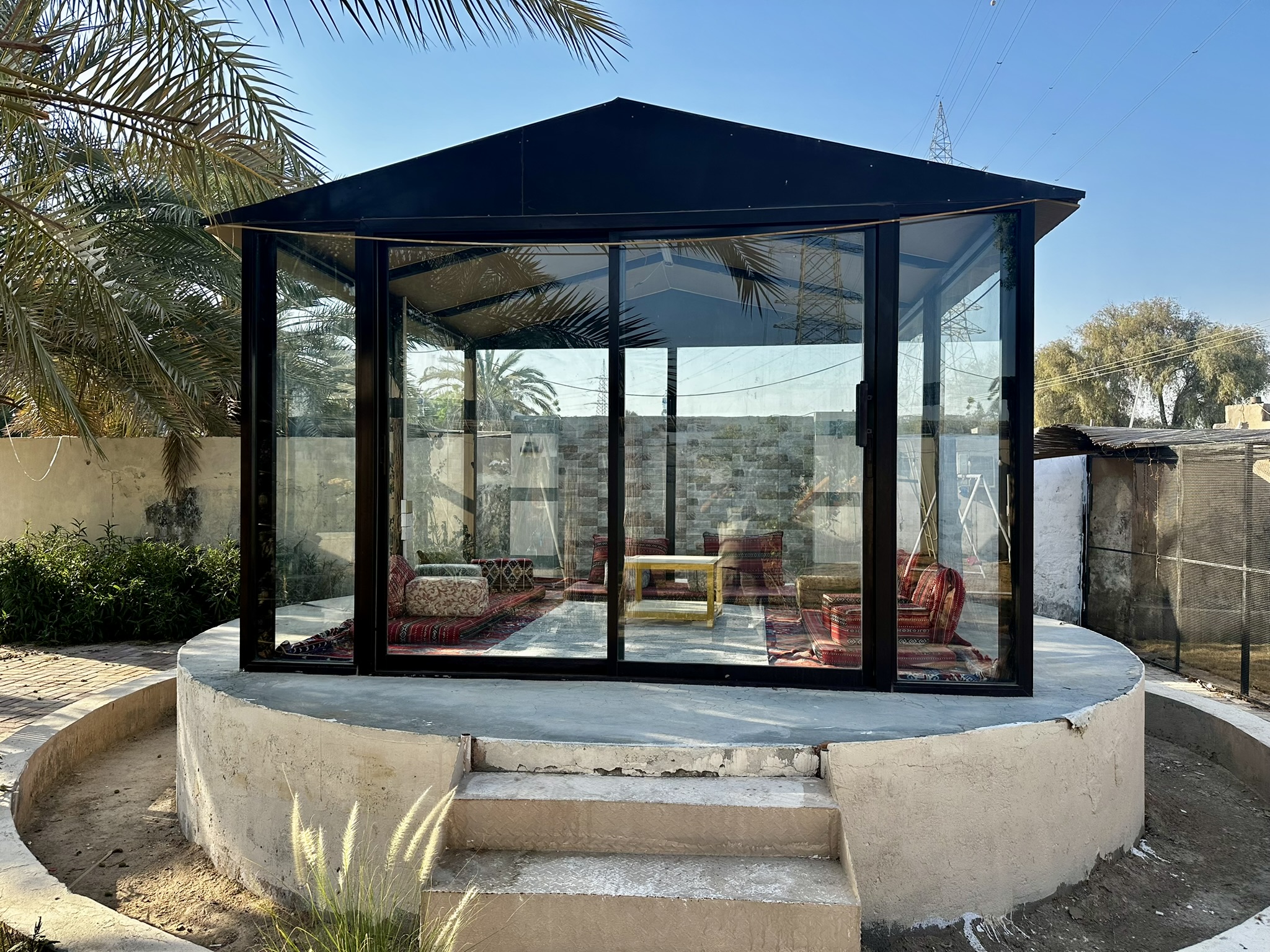
Book a UAE Farmhouse
Verified hosts, clear AED pricing, local support. From private-pool villas to group-size farmhouses across all 7 Emirates.
Browse Farmhouses →